LinkedIn can be a powerful tool to support your career ambitions. In fact, that’s why most people use the platform. In a recent survey by Audience Project, 84% of those on LinkedIn reported using it with the goals of strengthening their professional network.
But simply showing up and posting once in a while isn’t a real strategy to find valuable connections. Your profile should reflect your professional brand, highlight your strengths, and position you to grow your career. And in many cases, the first part of your profile anyone will see is your LinkedIn photo.
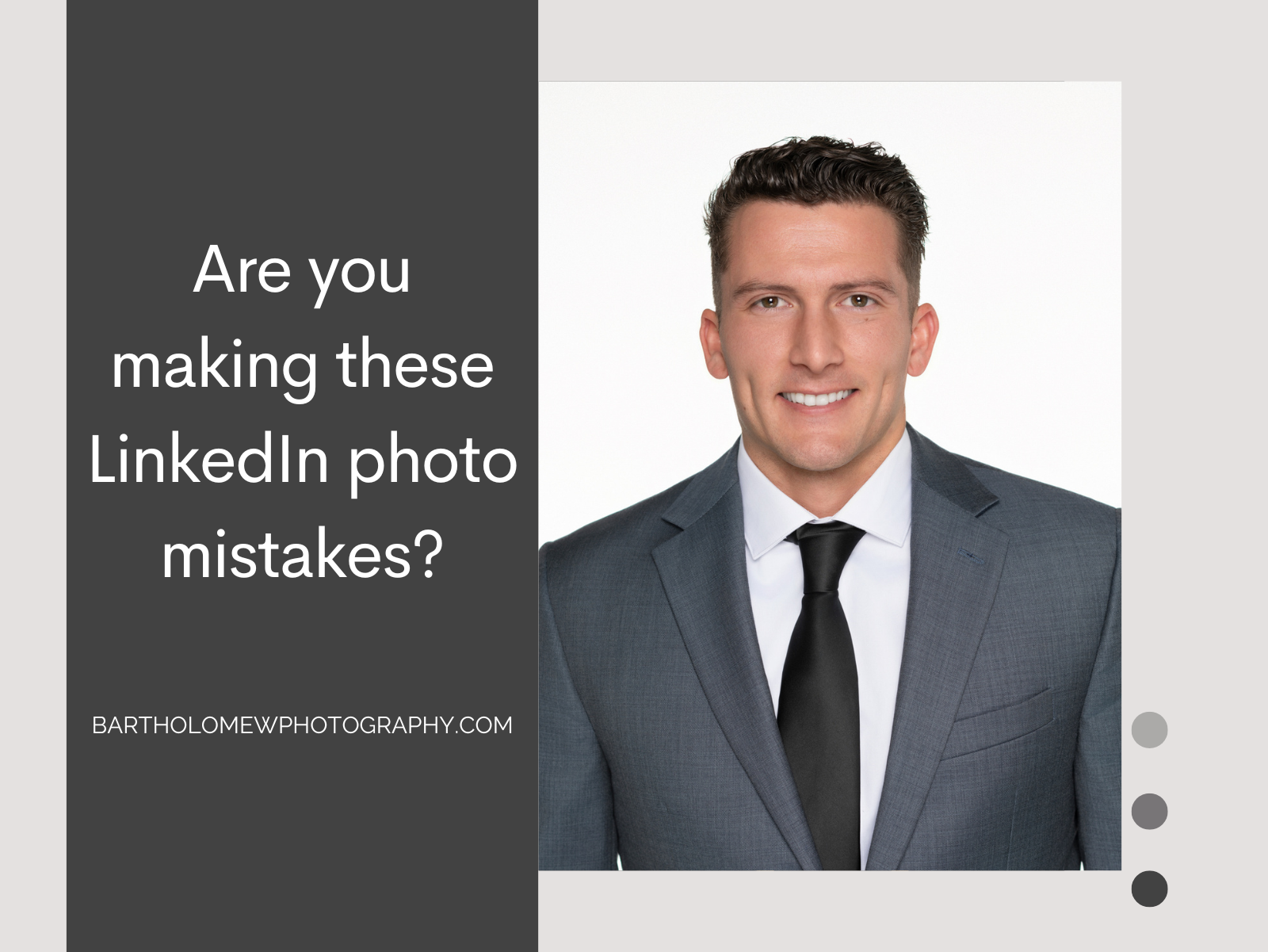
A strong corporate headshot communicates trustworthiness, credibility, and professionalism. Small visual cues, though, can easily hurt your chances to connect with future employers, clients, or colleagues. In this guide, we’ll discuss the most common missteps we see.
Top LinkedIn Photo Mistakes (And How to Fix Them)
1. Using a Cropped Snapshot
While you might have a photo that looks flattering from vacation, a friend’s wedding, or a party, those images are best for other social platforms like Instagram. Social profile pictures blur the lines between personal, making it harder for viewers to take you seriously in a business context.
2. Low Image Quality
Grainy photos can turn someone off to an otherwise strong profile. When someone sees a pixelated profile picture, the implication is that either the individual didn’t notice, didn’t care, or didn’t have access to a better-quality picture. Carelessness and apathy aren’t traits that inspire someone to put their trust in you.
3. Distracting Backgrounds
A cluttered office or a busy environment like a trade show pulls attention away from the main focus of the photo - you! When you’re trying to communicate professionalism and credibility with an image, any minor variable can detract from that goal. Instead, a neutral or softly blurred background helps to make you look polished.
4. A Harsh Expression
Expression can be a nuanced topic, and the “best” one will vary based on industry. In general, though, an overly serious look on your face will communicate that you are unapproachable, and might make others less likely to want to work with you.
5. Using Outdated Photos
If your photo doesn’t reflect how you currently look, it can create a disconnect when you meet people in real life or on video calls. That gap can subtly erode credibility. We recommend updating your photo every 2–3 years, or sooner if your appearance changes dramatically.
6. Ignoring Brand Consistency
If your photo doesn’t align with your broader personal or company brand, it can create a fragmented impression. For example, a highly casual image may conflict with a profile positioned around expertise and leadership.\
Ensure your LinkedIn photo is consistent with your role, industry, and messaging. When your visual identity aligns with your professional narrative, your profile becomes far more compelling and credible.
Bonus Tips to Elevate Your LinkedIn Photo
Use Consistent Photos for Every Professional Engagement
Consistency helps to strengthen your personal brand. When your LinkedIn profile photo matches the images you use on company websites, speaking bios, email signatures, or other professional platforms, people can recognize and remember you more easily.
Consider Investing in Professional Photography
Smartphone capabilities have improved dramatically in the last decade, but they are still no replacement for a professional photographer with professional equipment. The person taking your headshot should understand lighting, angles, posture, and composition, and those things can’t be built into the latest iPhone technology.
If you frequently network, speak publicly, meet with clients, or represent your organization online, investing in a professional LinkedIn photo can pay off in stronger first impressions and increased trust.